Agent-Native
Introducing Clips: An open-source, agent-native Loom alternative


Anyone who works with AI has hit some version of this:
You spot a bug, a broken layout, a confusing flow, or a landing page doing something odd. You want to show your AI assistant exactly what you mean. But instead of recording a quick 10-second screen share, you spend 10 minutes writing a wall of text, copying stack traces, describing the screen, and hoping the important part survives the translation.
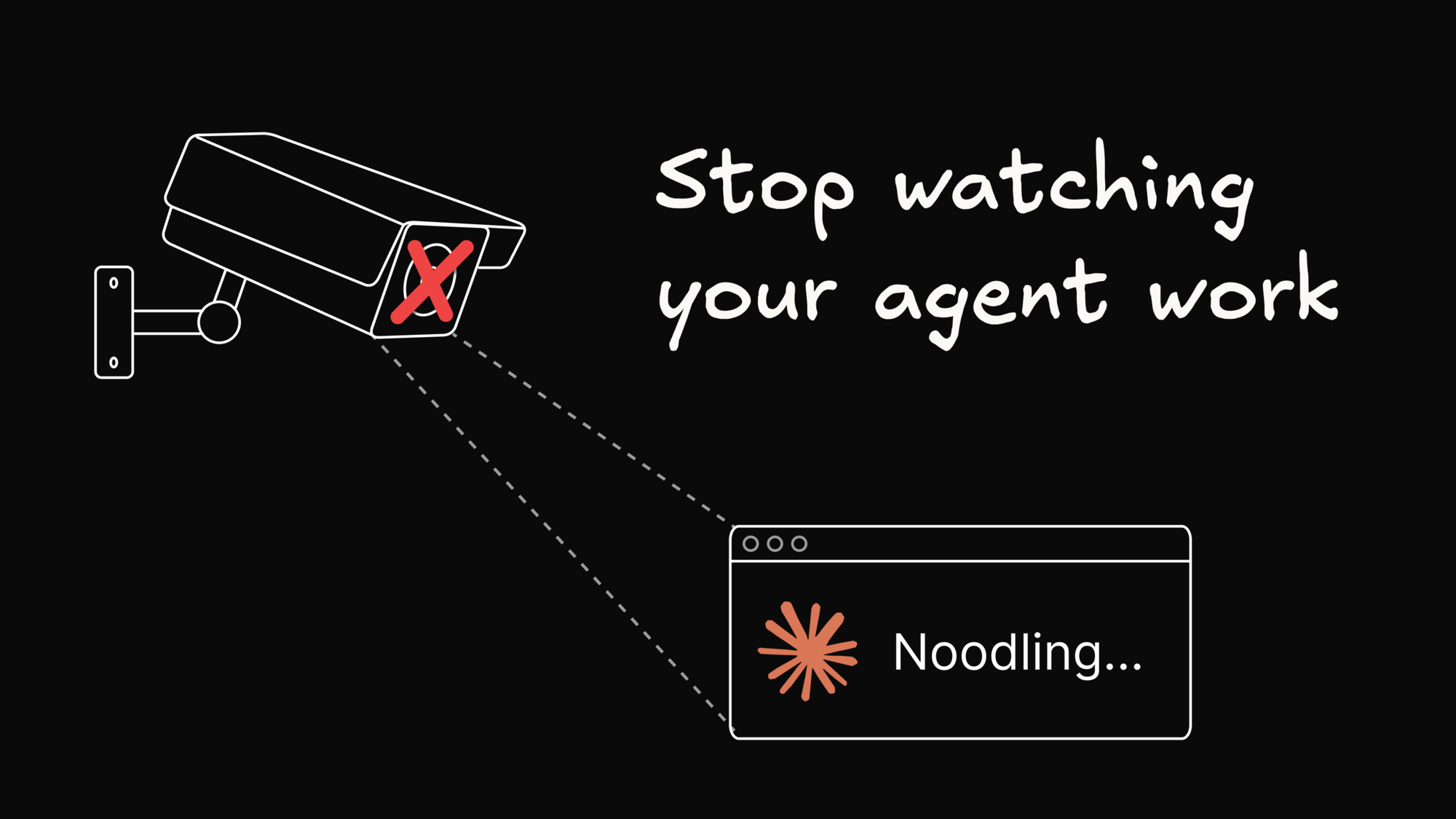
Why? Because your agent can’t watch a Loom video. Paste a video link into an LLM prompt and the agent usually gets back a wall of minified React boilerplate or a generic player wrapper. It's blind. It can't see the UI glitch, and it can't hear your explanation.
We wanted to fix this.
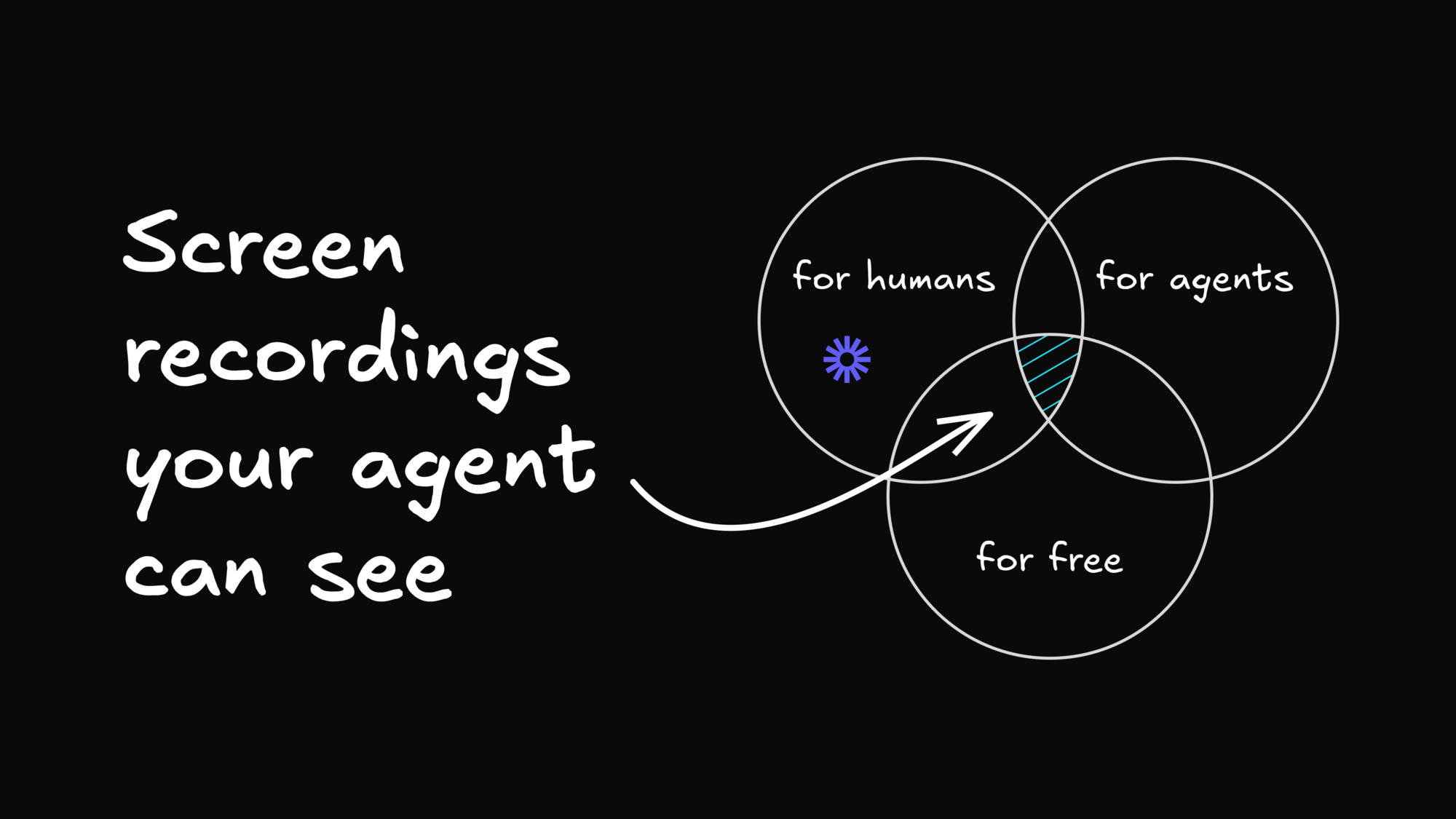
That’s why we made Clips. It’s a free, open-source, agent-native alternative to Loom. You can share a clip with a teammate exactly like you would any other video, but it also has a superpower: its share links are designed to be read directly by AI agents.
No complex setup. No MCP servers. No custom IDE plugins. Just a raw URL that any LLM can quickly unpack, hear, and see.
- GitHub: github.com/BuilderIO/agent-native (inside
templates/clips) - Hosted Version: clips.agent-native.com (completely free)
How it works: What the agent actually sees
When you send a Clips link to an agent, it doesn't just see a web page. Behind every public clip is a small set of agent-readable resources that surface the rich context of your recording.
If you paste a link like clips.agent-native.com/share/abc123 into an agent, the agent can follow the metadata living at that link to reconstruct the entire session:

1. The map
First, the agent reads a map of the clip. In the API, that's agent-context.json: an AI-readable table of contents for the entire recording. It gives the agent a clear summary of what it's looking at, the clip's title, how long it runs, and what was captured.
Just as importantly, it tells the agent where to find everything else: the full transcript, individual video frames, any browser diagnostics, and a shortlist of recommended moments worth examining first. Instead of guessing how to unpack the recording, the agent reads this map and knows which pieces to pull and where to look.
2. The transcript
Next, Clips gives the agent the narration as plain, timestamped text instead of making it listen to a raw audio stream. That transcript is available as agent-transcript.json, and every spoken segment is paired with the exact moment it happens in the recording.
When you mention that "nothing happens" after clicking submit, the agent can tie those words straight to that instant in the video.
3. The frames
How does an LLM "watch" a video?
Instead of forcing the agent to download and decode a heavy MP4, Clips lets it fetch individual frames at precise timestamps using a standard HTTP request. The API is agent-frame.jpg, and the timestamp lives right in the URL: atMs=42000 simply means "give me the frame at 42 seconds."
Behind the scenes, each of those requests triggers FFmpeg, a widely used video-processing tool, which jumps to the exact millisecond requested, extracts that single frame as a JPEG, and streams it back. A lightweight server-side frame cache keeps repeat requests nearly instantaneous.
The result is that the agent can look at the screen around the moment you said "nothing happens," matching your spoken feedback to the visual state of the UI.
Context-rich reports from Chrome
If you’re using Clips to hand an AI assistant a broken flow, a confusing page, a copy issue, or an outright bug, video and audio are only half the story. The agent also needs to know what was happening under the hood.
To solve this, we built a companion Chrome extension that hooks into the browser's native capabilities.
When you start recording a browser tab, the extension attaches directly to the Chrome DevTools Protocol (the same raw debugging interface used by Chrome’s built-in inspect tools). It listens specifically to that active tab, and only while the recording is live.
As you record, Clips captures:
- Console logs (warnings, exceptions, uncaught errors).
- Failed network requests (non-2xx responses, blocked queries).
And it matches these to your video’s timestamps.
Privacy-first redaction
Because all this data is meant to be passed to LLMs, we built strict, client-side redaction directly into the capture pipeline.
Before any debugging data leaves your machine, we completely strip:
- Custom HTTP headers (no Auth tokens or API keys).
- Request and response bodies.
- Cookies.
- Query string parameter values.

The agent gets the exact HTTP status codes, the structural file paths, and the exact JavaScript exception traces, while credentials stay out of your prompt histories. You record the problem, narrate what you did, paste the link, and the agent has everything it needs to reproduce the flow, update the copy, or fix the bug.
And yes, it’s a full Loom replacement for humans
While we built this to be agent-native, people still need to collaborate. Clips is a polished video-sharing platform.
- Zero-friction playback: Fast loading, clean player UI, human comments, and embeddable players (like watching Clips from a link in Slack).
- Instant migration: If you’re currently locked into Loom but want to move your library over, you don't have to manually download gigabytes of files. Just paste your existing Loom share URLs directly into Clips. Our backend downloads the public MP4s, re-hosts them in Clips storage, imports Loom's transcript when the share page exposes one, and generates the agent-ready endpoints.
Why open source? Because SaaS pricing is broken.
We built Clips because we were tired of paying soaring per-seat SaaS prices for basic, utilitarian work tools.
Because Clips is fully open-source, you own it.
You can use our free hosted version at clips.agent-native.com, or you can fork the repo, host it on your own infrastructure (it runs on Cloudflare and Netlify), and never worry about a vendor hiking your prices or deprecating your video archives ever again.
You can read more about our philosophy behind open-sourcing alternatives to major SaaS apps.
Extra features in the Clips desktop app
To make Clips truly useful, we needed to go beyond what a browser tab can do. So we wrapped the web application in a cross-platform desktop app using Tauri.

By shipping a single, unified codebase as a desktop application, we were able to build two additional major features using the exact same foundation:
1. A Granola-style meeting recorder
By running on the desktop, Clips can interface with your calendar, send you join reminders, and record both your microphone and your system's audio output as completely separate audio streams, tagging each transcript segment by source. This produces clean, source-attributed transcripts, which are then passed to an LLM (Gemini Flash-Lite) to generate a structured meeting summary with per-attendee action items.
2. A Wispr-Flow-style dictation tool
By registering a global system hotkey through Tauri, we’ve built fast dictation. You hold down a shortcut key, talk into your mic from any system application, and release the key.
The audio is processed on-device using macOS’s native Speech framework, cleaned up for grammar and stuttering, and then programmatically typed directly into whichever text field your cursor is currently focused on.
Because we use Tauri, we can bypass browser limitations to support global hotkeys and system-level audio capture natively.
Built on Agent-Native
Under the hood, Clips isn't just an app with an API slapped on top. It is built entirely on our Agent-Native framework.
Traditional software architecture separates "Human interfaces" (HTML, CSS, React components) from "Machine interfaces" (REST APIs, SDKs). This creates a double maintenance burden and eventual drift between what a human can do and what an API client can do.
In an Agent-Native application:
- Every capability is modeled as a unified Action.
- There is only one code path. Whether a human clicks a button in the UI or an AI agent triggers a task, they are executing the exact same underlying logic.
- The application is self-documenting. The built-in agent can actually read the codebase schema and safely edit the app’s own code to add features or fix bugs dynamically.

This architectural shift is what powers all of our open-source apps, from content management to analytics, slides, and planning interfaces. We believe the future of software isn't renting closed-source, high-cost SaaS products; it’s deploying forkable, open-source canonical applications that run on your own terms.
We’re incredibly excited to open-source this. Check out the repository, run it locally, host it yourself, or try the hosted version. We'd love to hear your thoughts, look at your PRs, and answer any technical questions you have.
- GitHub: github.com/BuilderIO/agent-native
- Website: clips.agent-native.com
Share